Botswana
 Zambia
 Congo
Congo Colombia
 China mainland
 Chile
Chile Chad
Chad Central African Republic
 Canada
 Cameroon
 Cambodia
 Burkina Faso
 Bulgaria
 Brunei Darussalam
 Brazil
 Aland Islands
 Bosnia and Herzegovina
 Bolivia
 Belgium
 Belarus
 Bangladesh
 Bahrain
 Azerbaijan
 Austria
 Australia
 Armenia
 Argentina
 Algeria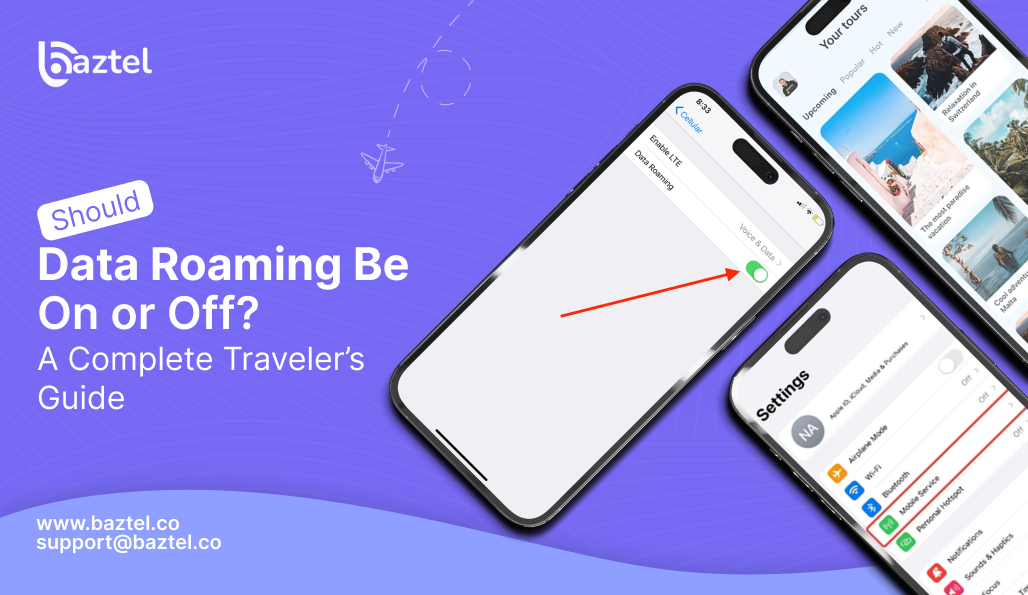

Traveling to another country is a thrilling experience, but the use of mobile data in a foreign country can be rather perplexing and pricey. One of the most frequently asked questions by travelers is, “Should Data Roaming Be On or Off?”
To avoid incurring massive phone bills, some people disable roaming. On the other hand, others leave it on as they cannot do without internet for maps, moments, taxi apps, and online payment. The right decision varies according to your travel itinerary and phone settings, budget, and the type of SIM or eSIM you have.
This straightforward guide goes through all the necessary details in simple and concise terms. Besides the definition of data roaming, you will also figure out when it is good to keep it on, when to turn it off, and what the tricks are to prevent incurring extra charges. Furthermore, the guide has provided easy-to-read charts for understanding options quickly and selecting the best option for your journey.
What Is Data Roaming?
Data roaming means your mobile phone uses a foreign mobile network when you travel outside your home country.
When you are home, your provider uses its own network.
When you travel, your home provider does not have coverage in another country.
So your phone connects to another network, and that network charges your provider. Your provider then charges you higher rates.
Common roaming activities include:
- Using Google Maps
- Browsing Instagram
- Sending or receiving WhatsApp messages
- Watching videos
- Cloud backups
- App updates
Should Data Roaming Be On or Off: General information
The data roaming status during your travel can be easily understood from this table. Different situations are pointed out, for instance: using a travel eSIM, having a roaming package, getting free roaming, relying on Wi-Fi, and being careful not to incur extra charges. In the end, careful consideration of each travel situation will reveal the cheapest and most secure way of traveling that will prevent you from being surprised by roaming fees.
| Situation / Travel Style | Keep Data Roaming ON | Keep Data Roaming OFF |
| Using a travel eSIM | Yes | Not recommended |
| You bought a roaming package | Yes | Not needed |
| Provider offers free roaming | Yes | Not needed |
| You need navigation and online apps everywhere | Yes | Not ideal |
| You want to avoid all extra charges | No | Yes |
| You rely only on Wi-Fi | No | Yes |
| Provider charges high roaming fees | No | Yes |
Why People Ask “Should Data Roaming Be On or Off?”
This question is common because many travelers worry about surprise bills and do not understand how roaming charges work. Different countries have different rules, and phones often use background data without notice. With more people using eSIMs, which work differently from traditional roaming, it becomes even more confusing. This is why travelers often ask whether roaming should be on or off.
- Many travelers worry about unexpected high bills.
- Roaming rules vary between countries.
- Phones use background data without warning.
- Many people use eSIMs now, and they work differently from traditional roaming.
- Most travelers do not understand how roaming charges are calculated.
What Happens When You Keep Data Roaming ON?
Activating data roaming provides you with worldwide internet, allows usual operation of your apps, and makes it easy to do navigation, book taxi, and keep in touch without looking for Wi-Fi. Nevertheless, it can be expensive if not planned. Data could be used very fast in the background, through video streaming, and cloud backup which could result in high bills if you do not pay attention.
Advantages
- You get internet everywhere.
- You do not need to search for Wi-Fi.
- Your apps work normally.
- Navigation apps like Google Maps work in real time.
- You can book taxis, check emails, and communicate easily.
Disadvantages
- High charges if you do not have a plan.
- Background apps may consume data.
- Video content uses a lot of data.
- Cloud backups can use hundreds of megabytes.
What Happens When You Keep Data Roaming OFF?
Switching off data roaming grants you total control over your data usage and eliminates the possibility of unexpected extra charges; thus, it is a smart option for budget tourists. Nonetheless, mobile internet is turned off unless you are connected to a Wi-Fi network, which means no live navigation, restricted access to ride apps or payment apps, and no instant messaging when you are in Wi-Fi areas.
Advantages
- No risk of surprise charges.
- Full control over your data usage.
- Ideal for travelers on a budget.
Disadvantages
- No mobile internet unless connected to Wi-Fi.
- No live navigation.
- Ride apps like Uber may not work.
- Payment apps may fail.
- No instant communication.
When Should Data Roaming Be On?
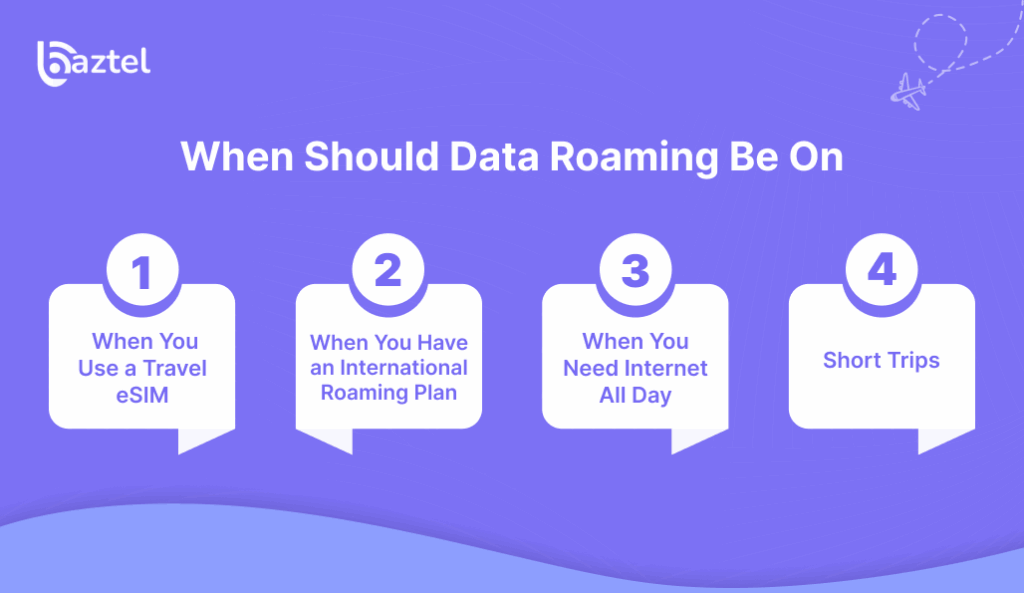
These points explain the main situations when you should keep data roaming on while traveling. Travel eSIMs require roaming on, international roaming plans make it safe, and roaming on is helpful when you need internet all day for maps, taxis, and payments. For short trips, using a roaming pass is easier than buying a local SIM. This helps you decide should data roaming be on or off based on your needs.
1. When You Use a Travel eSIM
Travel eSIMs from providers like Baztel require data roaming ON to work properly. The eSIM connects to local partner networks in the country you visit. This type of roaming is safe because the data is prepaid, so there are no surprise charges. For travel eSIM users, the answer to should data roaming be on or off is always ON.
2. When You Have an International Roaming Plan
If your mobile provider offers daily roaming passes, monthly international packages, “Roam Like at Home” plans, or free regional roaming, then keeping roaming ON is completely safe. These plans protect you from high costs and give you a fixed rate. In this situation, you do not need to worry about should data roaming be on or off because your plan already covers roaming fees.
3. When You Need Internet All Day
Roaming ON is useful when your trip requires constant internet access. This includes business travel, remote work, live navigation, booking taxis or hotels, and using digital payments or translation apps. Having roaming ON gives you internet wherever you go, without depending on Wi-Fi. For travelers needing full-time connectivity, the answer to should data roaming be on or off is ON if you have a safe plan or eSIM.
4. Short Trips
If your trip is only one or two days, buying a local SIM may be unnecessary. A roaming pass from your provider can be easier and faster. It gives you instant internet without switching SIM cards. For short visits, using roaming ON is often the most convenient choice. In this case, should data roaming be on or off depends on convenience; it is usually ON with a small plan.
When Should Data Roaming Be Off?
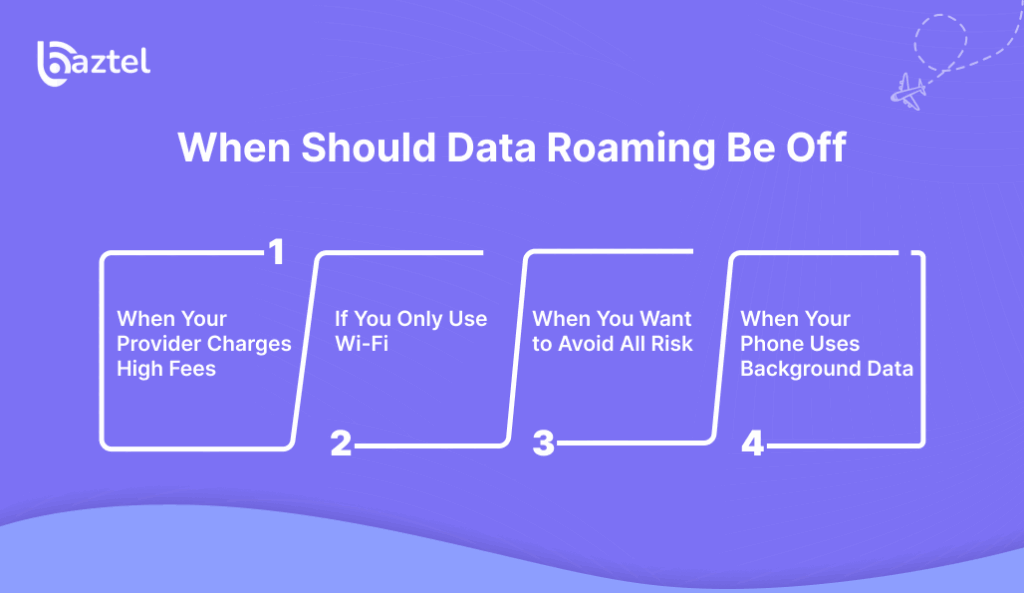
These points illustrate the principal scenarios that require you to keep data roaming off while traveling. It is a safer choice to turn it off if your provider has expensive roaming charges, your itinerary includes only Wi-Fi use, or you just want to rule out any possibility of incurring extra expenses. It also protects you from background data use. This helps you decide should data roaming be on or off based on your budget and needs
1. When Your Provider Charges High Fees
Some mobile providers charge very high roaming rates in other countries. If you do not have a roaming plan or you are unsure about pricing, it is safer to turn roaming OFF. This helps you avoid unexpected charges. In this situation, the answer to should data roaming be on or off is clearly OFF.
2. If You Only Use Wi-Fi
In case you intend to depend solely on Wi-Fi for the whole trip, then it is perfectly alright to turn OFF roaming. This scenario is quite correct if you are going to be mostly in the hotels, cafés, airports, or restaurants with free Wi-Fi. Outside these places, you will not require mobile data. So, if you are mainly using Wi-Fi, should data roaming be on or off? The answer is OFF.
3. When You Want to Avoid All Risk
Some travelers prefer full control over their phone costs. If you want to be absolutely sure to avoid roaming charges, turning off mobile data roaming is the safest way to go. This tip is perfect for low-budget travelers or those who do not want to bother with data usage monitoring. In this situation, should data roaming be turned on or off? Always OFF.
4. When Your Phone Uses Background Data
Phones automatically use data even if you are not actively browsing. This includes app updates, cloud backups, photo syncing, social media refresh, and location tracking. These background tasks can consume large amounts of data quickly. Turning roaming OFF prevents accidental usage and avoids extra charges. Here, the answer to should data roaming be on or off is OFF to stay safe.
Should Data Roaming Be On or Off for eSIMs?
This table explains how data roaming works with different types of SIMs and eSIMs. Travel eSIMs require roaming ON because they connect through partner networks. Local eSIMs in the destination country also usually need roaming ON to work like a local SIM. However, your home-country SIM should have roaming OFF to avoid expensive international charges. This helps you decide should data roaming be on or off based on the SIM you are using.
| Type of SIM | Should Data Roaming Be On or Off? | Reason |
| Travel eSIM | ON | Needed to connect to partner networks |
| Local eSIM purchased in the destination | ON (usually) | Works like a local SIM |
| Home-country SIM | OFF | Avoid high roaming fees |
Does Data Roaming Use More Battery?
Using data roaming may drain your battery a bit more since your device makes an effort to get connected to the international networks, particularly in the case of poor signal reception. Despite that, the difference in battery draining is usually negligible and not noticeable for most tourists. In the case of the usage of a travel eSIM or strong network coverage, the additional battery drain is generally quite low and so will not impact your phone’s performance significantly.
How to Avoid High Roaming Charges
The safest and most economical methods to maintain your connection while traveling have been compared in this table. Travel eSIMs are the easiest and most dependable choice with a low price. Local SIM cards are useful for long visits, while roaming packages provide comfort using your personal number. Using Wi-Fi only or turning off roaming is free, but both reduce internet access to the areas covered by Wi-Fi. This comparison shows you whether data roaming should be on or off according to your budget and travel needs.
| Method | Safe? | Easy? | Cost | Notes |
| Travel eSIM | Very safe | Very easy | Low | Best option for most travelers |
| Local SIM card | Safe | Moderate | Low | Good for long stays |
| Roaming package from your provider | Safe | Easy | Medium | Works with your number |
| Using only Wi-Fi | Safe | Limited | Free | No internet outside Wi-Fi |
| Turning roaming off | Safe | Limited | Free | Best for tight budgets |
How to Turn Data Roaming On or Off
On iPhone
- Open Settings
- Select Mobile Data
- Select Mobile Data Options
- Turn Data Roaming on or off
On Android
- Open Settings
- Select Network & Internet
- Tap SIMs or Mobile Network
- Turn Data Roaming on or off
Should Data Roaming Be On or Off for Different Apps?
This table shows how different apps work with data roaming on or off. Messaging apps like WhatsApp texting and email work on Wi-Fi, but calling, navigation, and ride apps need roaming on for real-time internet. Social media also works on Wi-Fi but uses a lot of data. This helps you understand when roaming is necessary depending on the apps you use.
| App / Activity | Needs Roaming ON? | Works When Roaming OFF? | Notes |
| WhatsApp texting | No | Yes (with Wi-Fi) | Simple messages work |
| WhatsApp calling | Yes | No unless on Wi-Fi | Needs strong data |
| Google Maps (live) | Yes | No | Offline maps work without data |
| Uber / Lyft | Yes | No | Requires live internet |
| Instagram / Facebook | Yes | Yes (with Wi-Fi) | Uses heavy data |
| Optional | Yes (with Wi-Fi) | Light data usage | |
| Online payments | Yes | No | Needs real-time data |
Is It Safe to Keep Roaming ON?
It is safe when:
- You use a travel eSIM
- You have an international plan
- Your provider offers free roaming
It is not safe when:
- You do not have a plan
- Your provider charges high fees
- You are unsure about your data limits
Travel eSIM: The Best Alternative to Roaming
A travel eSIM is the most excellent modern option to conventional roaming since it provides cheap, prepaid data with no extra charges at all. It can be turned on immediately by scanning a QR code and is active in lots of countries without the need for a physical SIM card. Therefore, it is a hassle-free, adaptable, and secure solution for world travelers who require good internet and do not want to be bothered with high roaming charges.
Benefits:
- Prepaid data
- No surprise bills
- Instant activation
- Works in multiple countries
- No need to buy a physical SIM
Conclusion
The question “should data roaming be on or off?” depends on your needs.
If you have a prepaid travel eSIM or a roaming package, keeping roaming ON gives you full convenience. If you want to avoid all possible charges, keep it OFF and stay connected through Wi-Fi.
With the information and tables in this guide, you can now make the right decision for your next trip and stay connected safely and affordably.
FAQ’s
1. When traveling internationally, should data roaming be on or off?
The answer lies in your mobile plan. Activate roaming if you are using a travel eSIM or have a prepaid roaming package, as your costs are already included. Alternatively, if you want to completely avoid extra charges and plan to use only Wi-Fi throughout the trip, then turn roaming OFF.
2. If I keep data roaming ON, will there be any charges?
Indeed, you might be charged if data roaming is kept ON even with your home SIM and there is no roaming plan added. The charges can go up to an extremely high range. So, to be on the safe side, use a travel eSIM, get an international plan, or just switch roaming OFF before you travel.
3. If roaming is OFF, can I still use the phone like normal?
That is correct; however, only when you are connected to Wi-Fi will that be true. The use of WhatsApp for texting, sending emails, and browsing the web are all done via Wi-Fi connection. Conversely, live navigation, the use of Uber, making online payments, and getting updates from social media will not be possible without mobile data, so you will have some limitations when out of Wi-Fi coverage.
4. Is it necessary to turn roaming ON for an eSIM?
Yes, most travel eSIMs require roaming to be activated in order to connect to local partner networks at your destination. This type of roaming is safe, as it is prepaid with the eSIM, which means you will not receive any unpleasant billing surprises. If you do not have roaming ON, the eSIM may either not be activated or not allow for data usage abroad.
5. What is the most affordable option for mobile data usage in a foreign country?
Travel eSIM is usually the cheapest and most convenient way to go, as it provides prepaid data at local prices, with no nasty surprises on the bill. Other low-cost options are getting a local SIM card or gernerating Wi-Fi only. Stay away from your home SIM without a roaming plan to not run into high charges.

Blog Author
Peter
Peter started BazTel.co to make mobile internet easier for travellers. He noticed how tough it was to find good network options while visiting new countries. That’s when he built BazTel — a place where anyone can buy eSIMs online without confusion or long steps. He believes tech should be simple and useful, not complicated. When he’s free, he likes to travel, test BazTel himself, and keep improving it based on real user problems.