Botswana
 Zambia
 Congo
Congo Colombia
 China mainland
 Chile
Chile Chad
Chad Central African Republic
 Canada
 Cameroon
 Cambodia
 Burkina Faso
 Bulgaria
 Brunei Darussalam
 Brazil
 Aland Islands
 Bosnia and Herzegovina
 Bolivia
 Belgium
 Belarus
 Bangladesh
 Bahrain
 Azerbaijan
 Austria
 Australia
 Armenia
 Argentina
 Algeria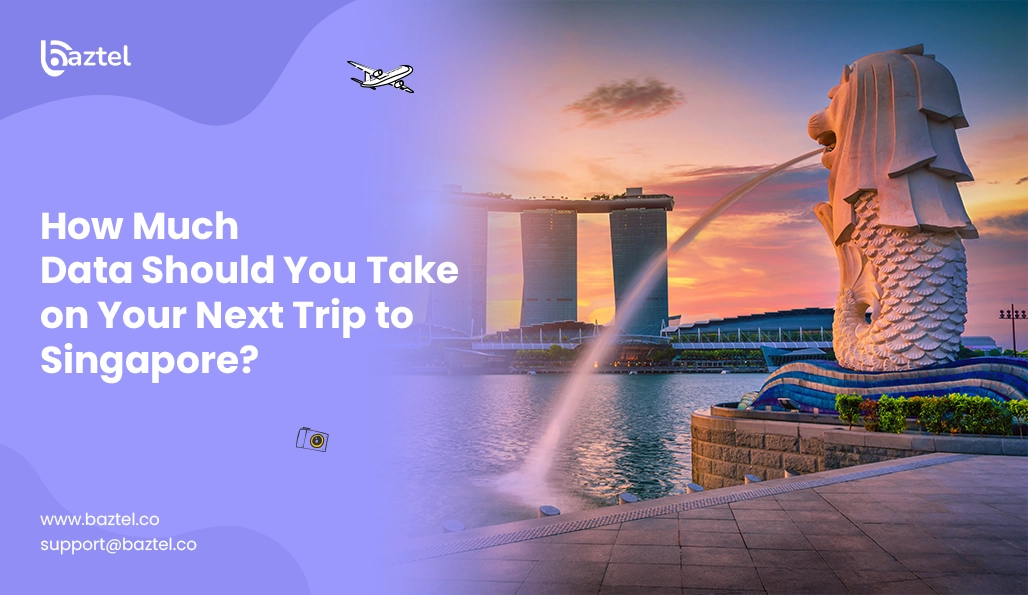

Introduction
Planning a trip to Singapore is exciting – seamless transport and delicious cuisine. Among this excitement, you might miss the most important thing – how much mobile data you should carry. For many travelers, the question “how much data do I need when travelling?” is a key concern. In a super-advanced city like Singapore, data isn’t just for reel scrolling, but also for hotel check-ins, navigating through lanes, and staying in touch with your family.
With so many options like SIM cards, roaming, and eSIM for Singapore, you might feel confused. Understanding your travel data needs and using a travel data calculator can help you estimate and manage your data usage for a hassle-free trip. But don’t worry, you are at the right place. Read this blog to know how to calculate your data usage, so that your trip to Singapore will be smooth.
Factors Affecting Your Mobile Data Usage
Following are the various factors that affect the mobile data usage of people in Singapore:
Length of stay
One of the biggest factors that will affect your mobile data usage will be the duration for which you stay in Singapore. For example, if you go there for a short period of time, you might just require 2GB of data for social media, navigation, and light browsing. On the other hand, if your trip goes beyond 2 weeks, you might use more data. Longer trips can double your data needs compared to shorter trips unless your usage habits change.
Type of Activities
The next factor that affects your internet usage in Singapore is the type of activities you perform. Simply put, the purpose of your visit. If you are a businessman, then you will consume more data for meetings, cloud-based apps, and emails. Alternatively, if you are a tourist, you just need the internet for social media updates and navigation. The more online you want to remain, the more data you need.
A light user typically consumes around 100-200 MB per day, mainly checking emails, messaging, and basic browsing. A moderate user uses about 500 MB to 1 GB daily, engaging in social media and music streaming. Heavy users have high data consumption habits, often streaming HD videos, using multiple devices, or sharing hotspots, and can easily exceed 1 GB per day. Heavy usage, such as HD video streaming and extensive internet use, will require significantly more data
Use of Hotel Wifi vs mobile data
Many travellers prefer staying in hotels, which reduces their dependency on mobile data. There are many hotels in Singapore that provide high-speed internet, so you can easily download huge files, scroll social media, and more. The twist comes when you step out, then you have to use your own eSIM for Singapore. If you’re headed to Australia, check out The Best eSIM for Australia to travel smart and stay online. You’ll need to use your mobile data for digital payments, communication, and navigation.
Access to public wi fi and reliable wi fi in public spaces can further reduce your need for mobile data while traveling. Reliable Wi-Fi is especially important for seamless online activity, such as working remotely or streaming content. Compared to your home network, where households often use large amounts of data for streaming, updates, and gaming, relying on public or hotel Wi-Fi can help manage your mobile data usage more efficiently.
Maps Usage
Using offline maps or pre-downloaded maps helps to reduce data usage in Singapore. Downloading Google Maps in advance through eSim for Singapore will let you move freely without constantly using mobile data. In the same way, you can download your favorite Netflix shows and Spotify songs and reduce internet consumption.
In summary, light users might need 1-3 GB per week, moderate users 3-7 GB per week, and heavy users 7+ GB per week. It is recommended to add a usage buffer of 15-30% to your estimated data needs to account for unexpected usage.
Data Usage of Common Apps
When planning how much data you’ll need for your Singapore trip, it’s essential to understand the data usage of the apps you rely on most. Each app consumes mobile data at a different rate, and knowing these differences can help you set data limits, manage your daily data usage, and avoid unexpected roaming charges.
Navigation Apps: Using Google Maps or Apple Maps for directions typically uses about 5-10 MB per hour for standard navigation, but downloading maps for offline use can save a significant amount of mobile data. If you’re checking maps frequently or using real-time traffic updates, your data consumption can add up quickly. For a seamless experience and improved connectivity, consider convert your SIM to eSIM.
Messaging and Social Media:Sending messages on WhatsApp or similar apps uses very little data—just a few MB per hour. However, video calls on WhatsApp, Google Meet, or Zoom can use up to 250 MB to 1 GB per full hour, depending on the video quality setting. Browsing social media apps like Instagram or Facebook can use 150-200 MB per hour, especially if you’re watching videos or uploading stories.
Streaming Services:Streaming music on apps like Spotify or Apple Music uses about 40-70 MB per hour at standard quality, but switching to high quality or lossless audio increases data usage. Video streaming is one of the biggest data consumers: watching Netflix or YouTube in standard definition (SD) uses around 1 GB per hour, while high definition (HD) or the highest quality setting can use 3 GB or more per hour. To save mobile data, consider lowering the video quality or downloading content over Wi-Fi before your trip.
App Settings and Data Saver Modes:Most smartphones and apps offer data saver or low data mode options in their settings. Enabling these features can help reduce cellular data usage by limiting background activity, lowering video quality, and preventing automatic updates. Regularly checking your phone’s settings and app usage habits can help you stay within your data plan and avoid extra charges.
By understanding the data consumption of your favorite apps and adjusting your usage habits, you can better estimate how many GB you’ll need for your trip. This way, you’ll stay connected in Singapore without worrying about exceeding your data limits or facing unexpected roaming fees.
How to calculate your data needs in Singapore?
Staying connected is utmost important while travelling in Singapore. Either you can use eSim for Singapore or a WiFi available at local places. From navigating paths to digital payments, and from social media updates to watching YouTube, you will be dependent on your mobile phone. Now it’s important for you to estimate how much data do I need for your trip, considering your usage habits, trip duration, and the types of apps you use. This helps you avoid overspending or running out of data. Here is a 3-step method to calculate how much data you consume every day:
Step 1 – Estimate your daily screen time
Firstly, calculate the time you spend online every day while travelling. Ask questions like, do I use data for scrolling reels, binge-watch, remote work, or just directions?
- A light traveller may only spend 1-2 hours online, using maps, browsing, or scrolling.
- A moderate traveller may spend 3-5 hours online, making video calls, posting on social media, and using ride-hailing apps.
- A heavy traveller may spend 6-8 hours online, binge-watching on Netflix, attending Zoom meetings, or working remotely.
If you often make long video calls, especially for work or keeping in touch with family, keep in mind these can significantly increase your data usage.
Step 2 – Identify your heaviest apps
Every app consumes a different amount of data than others. For precise calculation, note the apps you rely on most. The following list shows the data consumption of common apps and activities:
- Google Meet video: 2.25 GB per hour for group calls in HD quality
- Google Maps: 0.003–0.005 GB per hour
- Instagram: 0.1 GB per hour
- Netflix: 1 GB per hour (SD), 3 GB per hour (HD)
- Spotify: 0.09 GB per hour (lowest quality setting), 1.2 GB per hour (highest quality setting)
- TikTok: up to 1 GB per hour
- Facebook: 0.1 GB per hour
- YouTube: 0.03–22 GB per hour depending on quality settings
- Zoom: 550 MB–2.5 GB per hour
- Online gaming (e.g., PUBG Mobile): 0.04–0.12 GB per hour
Quality settings and watch time have a big impact on your total data usage. For example, watching YouTube in 720p uses much more data than in 480p, and the same amount of watch time on Netflix in HD will use up to 3 GB per hour compared to 1 GB in SD. Similarly, Spotify’s highest quality setting uses much more data than its lowest.
Step 3 – Multiply by the length of stay
Once you know your daily data usage, multiply it by the number of days of your trip. Don’t forget to add a 10-15% buffer, since travellers use more data. For a one-week trip, it’s recommended to choose a plan with at least 5 GB to avoid running out of data.
To estimate your travel data, compare your past usage and account for new activities like navigation and photo sharing. Find out your current monthly data usage and add 1GB extra as a buffer. If your usage is basic, you might consume between 2 and 3 GB per week.
See example below
If you are going to use eSIM in Singapore for 10 days, and your daily data usage is 2 GB. That becomes 20 GB + buffer = 25 GB
Why choose an eSIM in Singapore instead of roaming?
See the following pointers to understand why e-SIM for Singapore is better instead of roaming:
eSIMs offer international coverage, allowing travelers to stay connected across multiple countries without extra roaming fees, making them a convenient and reliable choice for international travelers. If you’re curious about the setup process, find out how long it takes to activate your eSIM for a smooth experience.
- Cost effectiveness
On one side, where international roaming is the most costly way to connect abroad, an eSIM for Singapore emerges as a cost-effective option for travellers in Singapore. Carrier roaming is often expensive; using an eSIM or a local SIM card can provide much cheaper data rates. It gives you access to local plans at a fraction of the usual cost.
Providers like Nomad offer flexible and affordable data plans for over 200 destinations, while Holafly eSIMs include unlimited data and 24/7 customer support, ensuring you always stay connected. The convenience of unlimited data plans means travelers can enjoy uninterrupted internet access without worrying about running out of data or incurring excessive charges. Whether you need a plan for a short trip or a long one, eSIM provides you with flexible pricing to suit your budget and requirements.
- Instant activation
The biggest benefit of an eSIM for Singapore is that it instantly gets activated when you set foot in Singapore. Unlike physical SIMs, you don’t have to wait in a long queue. To set up eSIM, you just have to scan the QR code, and you are done. This convenience is especially helpful at times when you arrive late at night or on a tight schedule.
- Eco-friendly travel
Traditional SIM cards come with a lot of packaging, which only goes to the garbage once the SIM is taken out. With an eSIM for Singapore, there is no plastic, so nothing goes to waste. By switching to an eSIM, you can enjoy a seamless mobile experience. It’s a small step, but you actually contribute to the betterment of the environment.
Tips to Save Data While in Singapore
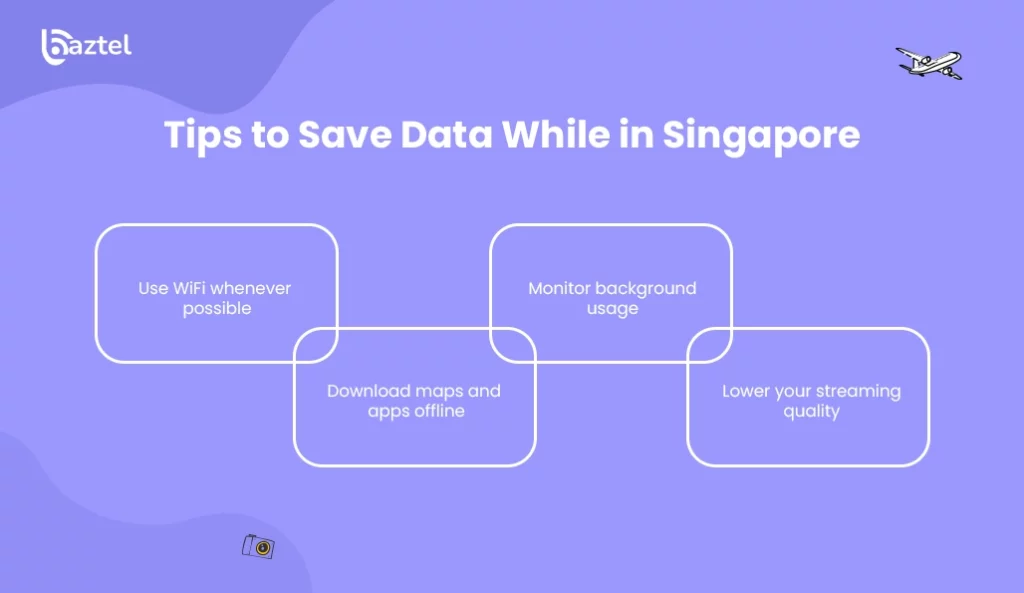
Here are some of the best tips to save your data when you are in Singapore:
The best way to save on your data is to utilize public WiFi whenever possible. Public places like cafes, airports, and malls provide high-speed WiFi. However, you should make sure that the hotspot you are using is a trusted one. Always connect to a reliable wi fi connection and restrict streaming videos or other high-data activities to Wi-Fi only to avoid unnecessary mobile data usage.
- Download maps and apps offline
The next way to save your mobile data is to download your essentials before you reach your destination. For example, you can download Google Maps in advance, so that you won’t require mobile data constantly in Singapore. Similarly, you can download your favorite movies and songs before travelling.
- Monitor background usage
Many apps quietly run in the background and keep eating up your mobile data. Check those apps and turn them off if they are not important. With an eSIM for Singapore, you might choose a limited data plan, so keeping a check on background consumption is essential. You can use your phone’s settings to monitor and control data usage, including restricting background data for specific apps.
- Lower your streaming quality
Another method to save your data is to decrease the streaming quality. For example, when you stream YouTube videos in 2160p, it consumes more data compared to 1024p. You can reduce the streaming quality across platforms such as Spotify, YouTube, and Netflix, and save a lot of data.
Enable data saver mode on your device to limit HD streaming and automatic downloads. In the Netflix app, adjust the settings to restrict video playback to lower quality or Wi-Fi only. For music streaming, selecting low quality audio in apps like Spotify can help conserve data, especially if you are not particular about high-fidelity sound.
Conclusion
While travelling in Singapore, the amount of data you need can be easily calculated based on how often you use your phone. If you just need help with directions or want to browse occasionally, a small pack would work for you. But if you are someone who loves sharing updates on social media, or you want to work remotely, you might have to go for a bigger pack. That’s where eSIM for Singapore comes to your rescue.
Unlike traditional SIMs, it gets activated instantly after you land in Singapore. Additionally, it’s flexible, affordable, and designed keeping in mind modern travellers who don’t want to waste time worrying about connectivity. By estimating your usage in advance and opting for a reliable eSIM, you can make your trip to Singapore stress-free and memorable.

Blog Author
Peter
Peter started BazTel.co to make mobile internet easier for travellers. He noticed how tough it was to find good network options while visiting new countries. That’s when he built BazTel — a place where anyone can buy eSIMs online without confusion or long steps. He believes tech should be simple and useful, not complicated. When he’s free, he likes to travel, test BazTel himself, and keep improving it based on real user problems.